Workflows
Design and automate complex business processes with the visual workflow builder.
Overview
Create, manage, and monitor automated workflows that connect AI employees with tools and services. Build automation sequences with a visual drag-and-drop interface, trigger workflows on-demand or by events, and track execution history.
Workflow List
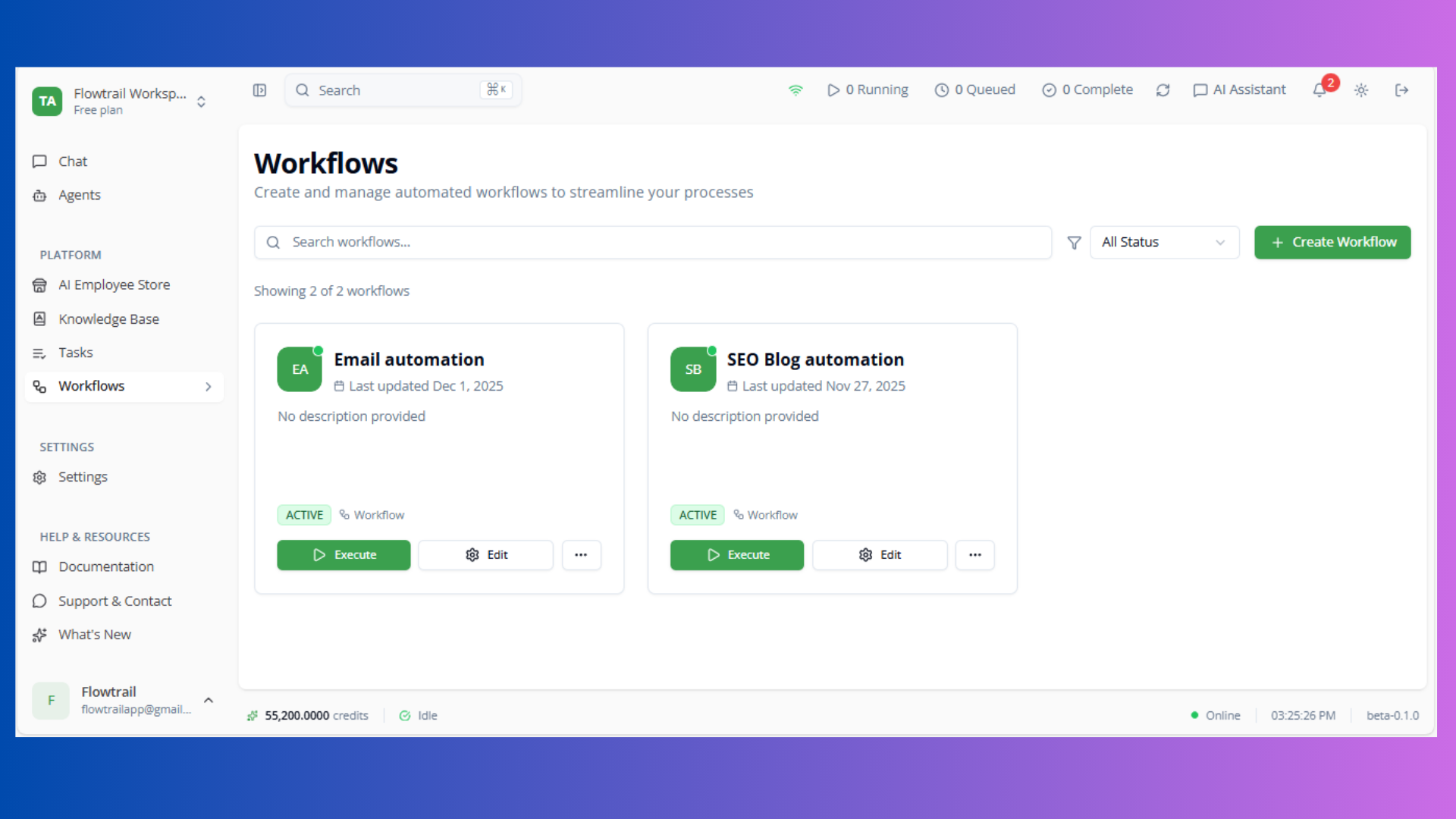
Workflow Actions
Execute
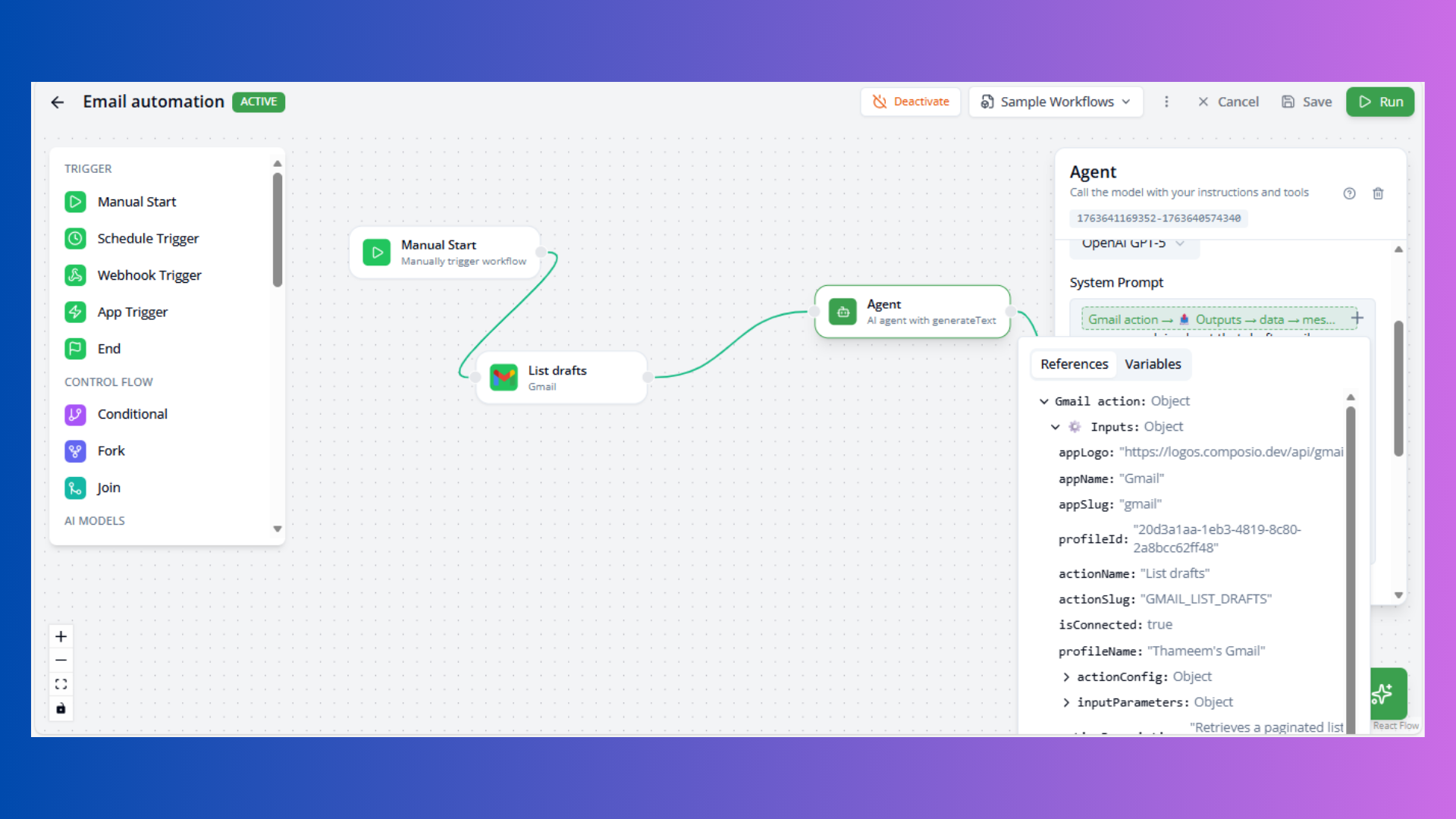
Available for Active and Draft workflows. Opens execution dialog to configure parameters and start workflow run.
Edit
Routes to appropriate editor based on version:
- Version 1: YAML editor
- Version 2: React Flow visual builder
View Executions
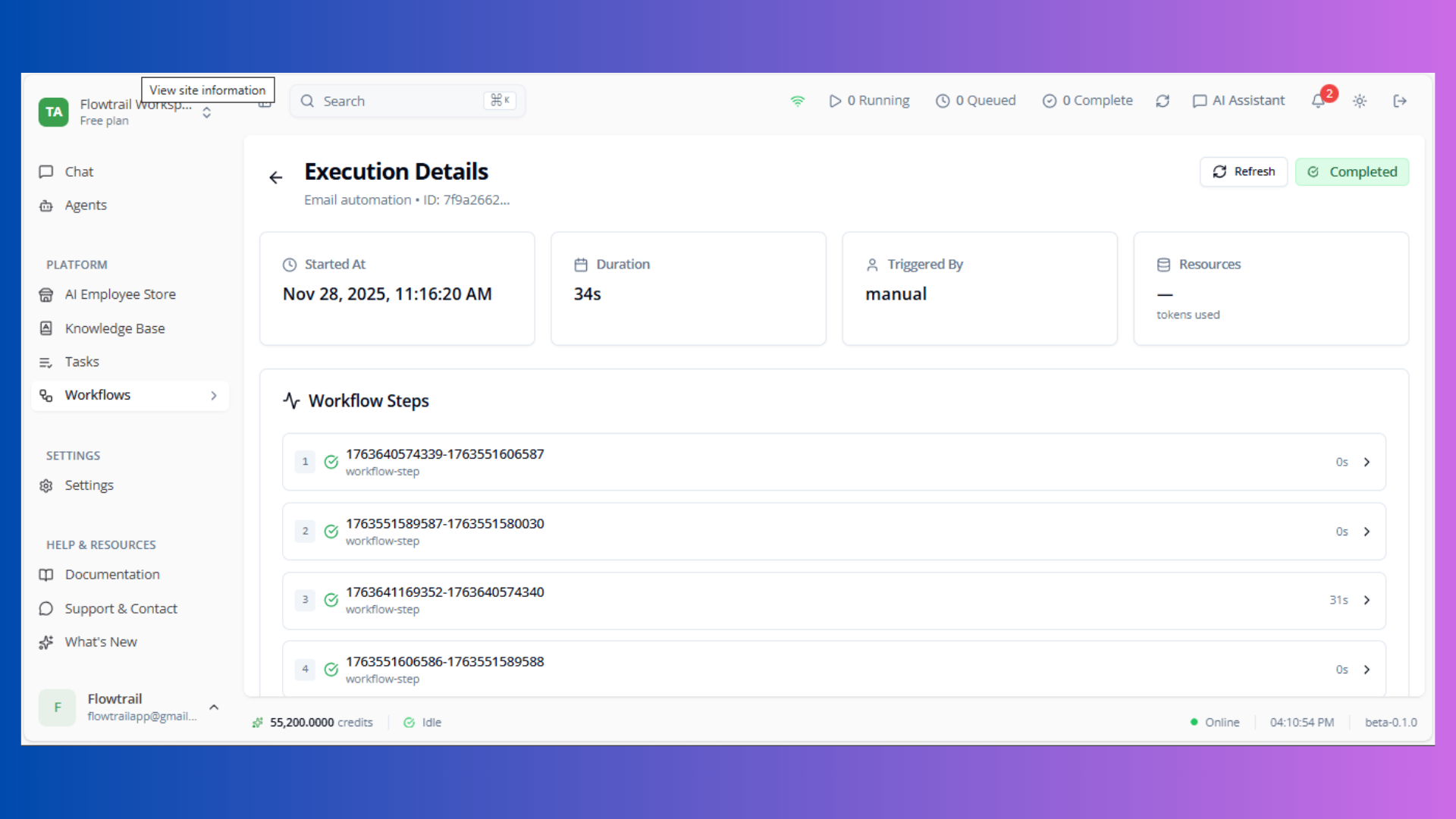
Navigate to execution history page with timestamps, status, and logs.
Activate / Deactivate
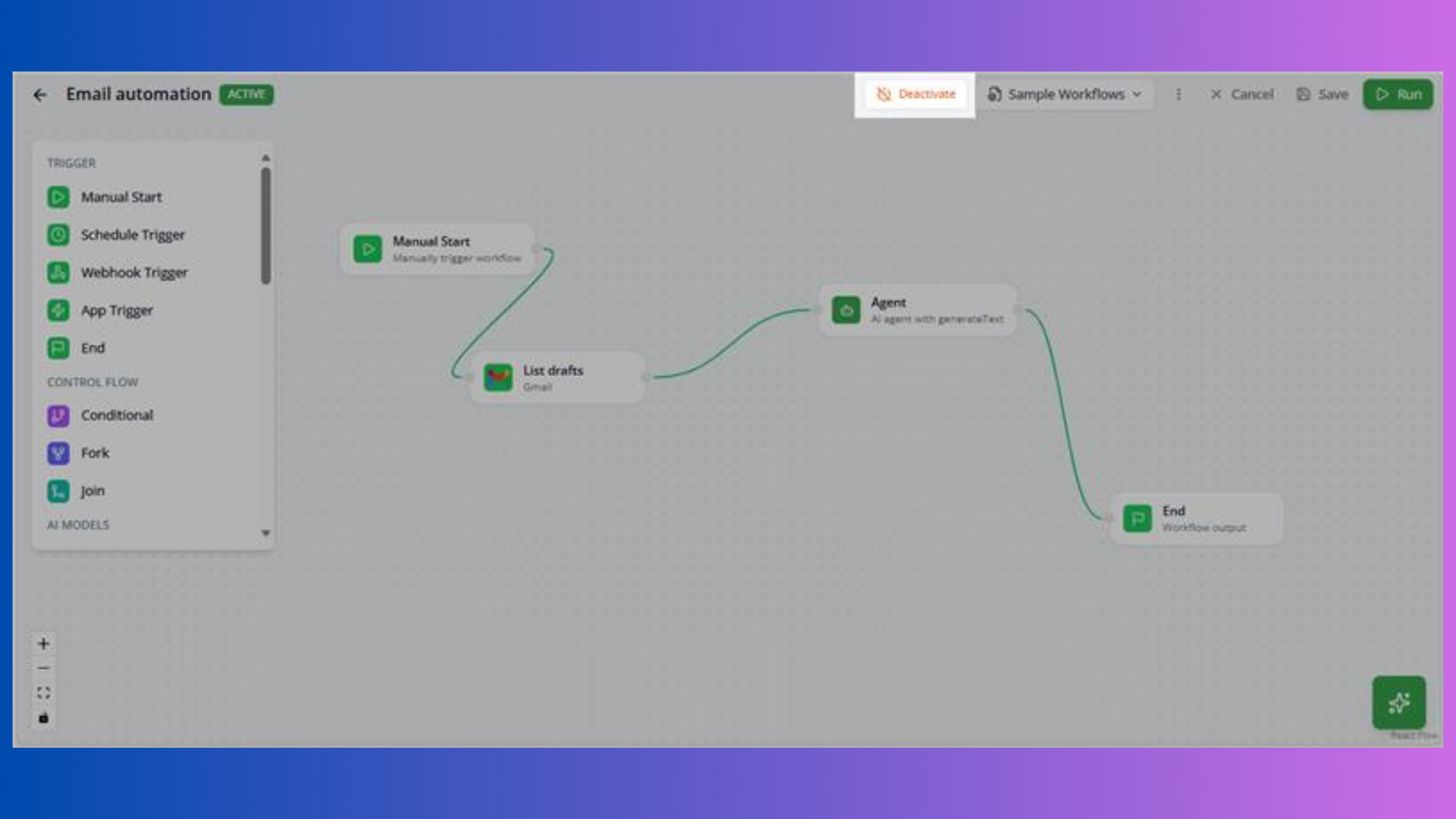
Activate: Enable workflow to receive triggers and execute automatically Deactivate: Prevent workflow from receiving triggers
Delete
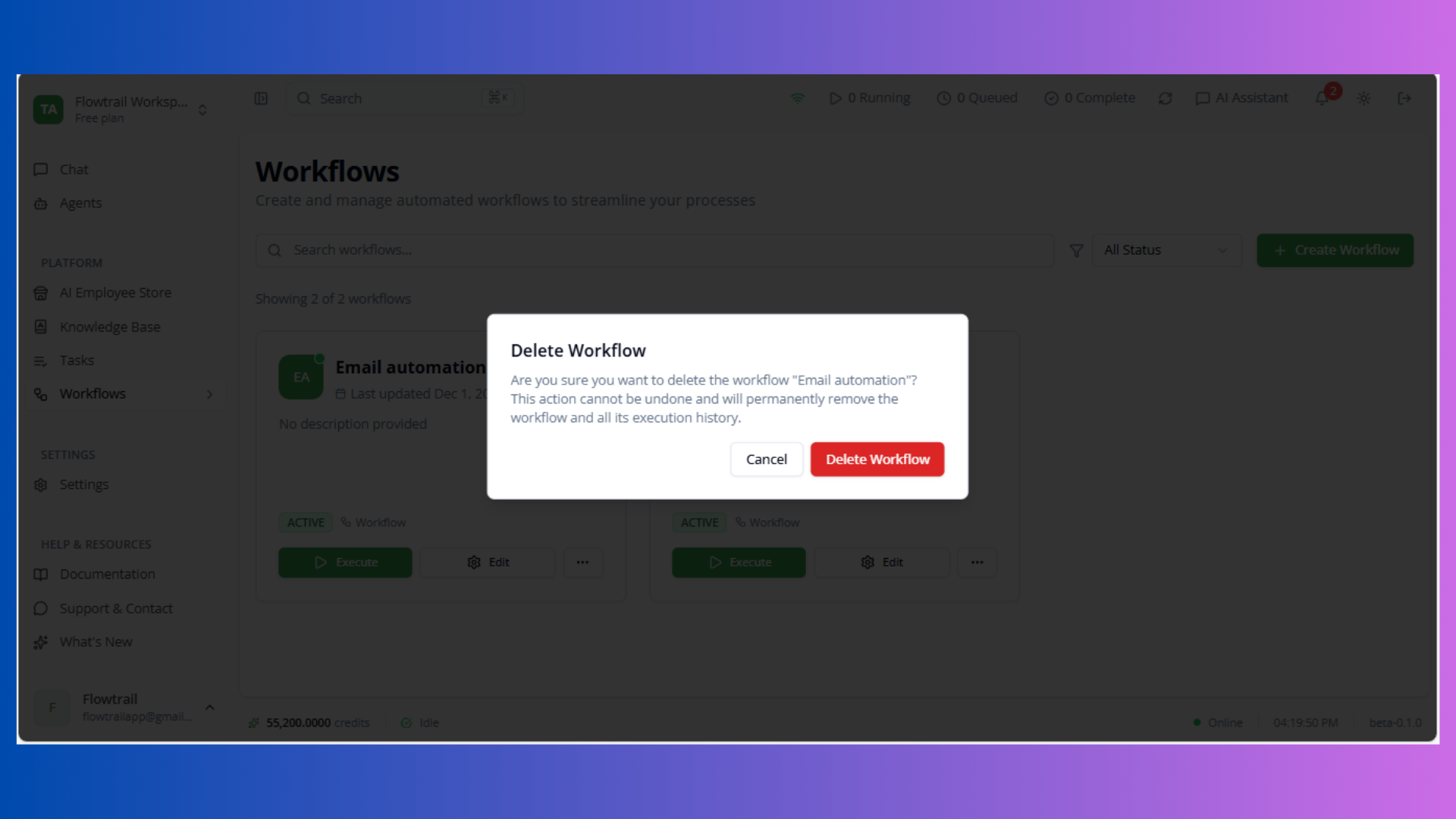
Permanent deletion removes workflow and all execution history. Consider archiving instead.
Status Indicators
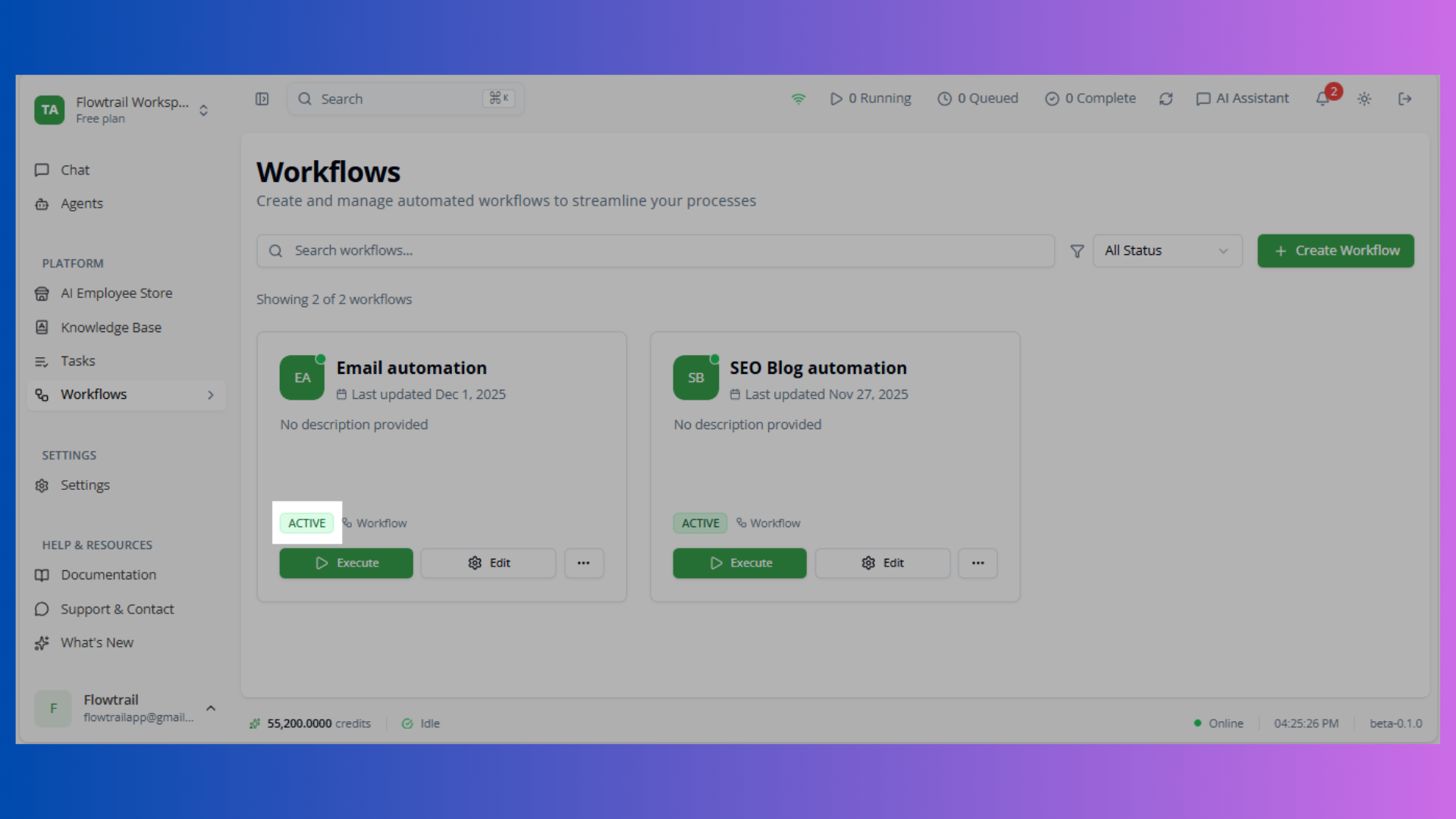
- Active (Green): Ready to execute
- Draft (Gray): Development mode
- Paused (Yellow): Temporarily suspended
- Archived (Red): Deprecated
Status shown via avatar dot and badge.
Best Practices
Organization
- Clear naming: include purpose/trigger
- Comprehensive descriptions
- Draft → Test → Activate → Monitor → Optimize → Archive
Performance
- Use filters for large collections
- Archive unused workflows
- Monitor execution patterns
- Deactivate rather than delete
Next Steps
- Create workflows with visual builder
- Explore AI Agents for workflow tasks
- Review Tasks for simple automations